
We have realized that playing in the old version of Private Room was negative in terms of user experience so we decided to change all the system and make it in the most optimum way as possible.
How to create a lobby for Private Room?
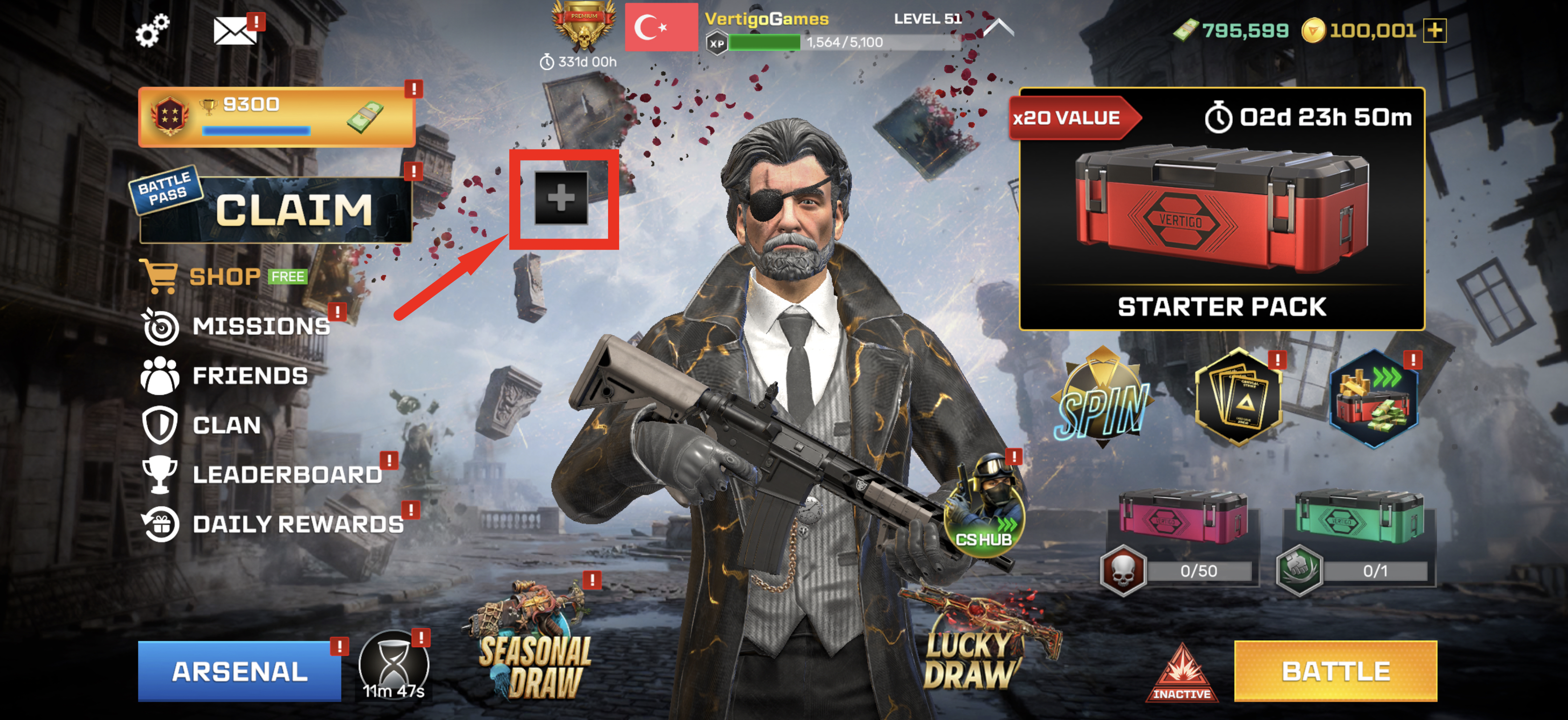
1. Tap on icon to create a lobby.
icon to create a lobby.If you want to learn more about how to create a lobby, check this article.
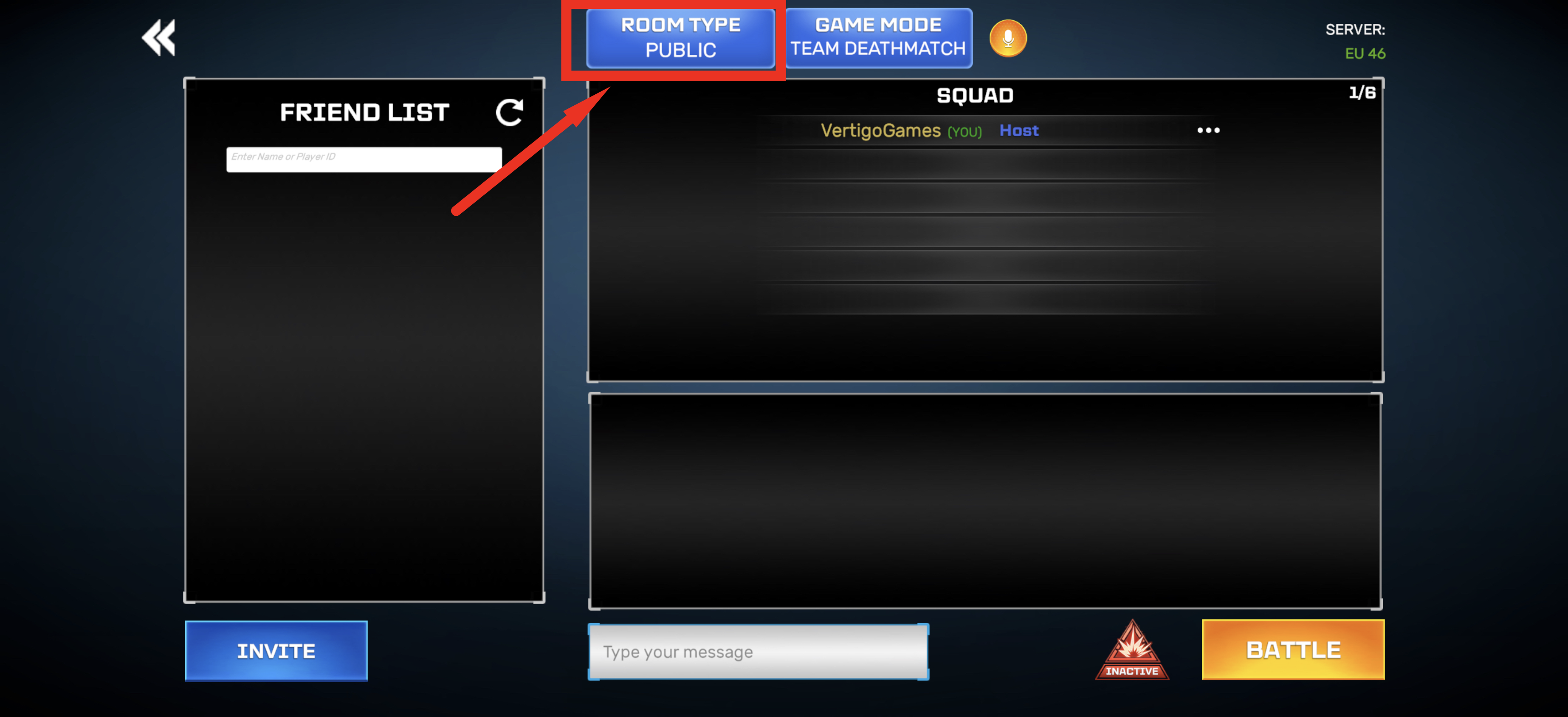
2.Tap on ROOM TYPE button on your top bar to see the room types.
3.You will see two room types and their infos. You will choose Private Room to create a lobby with your invited friends only.
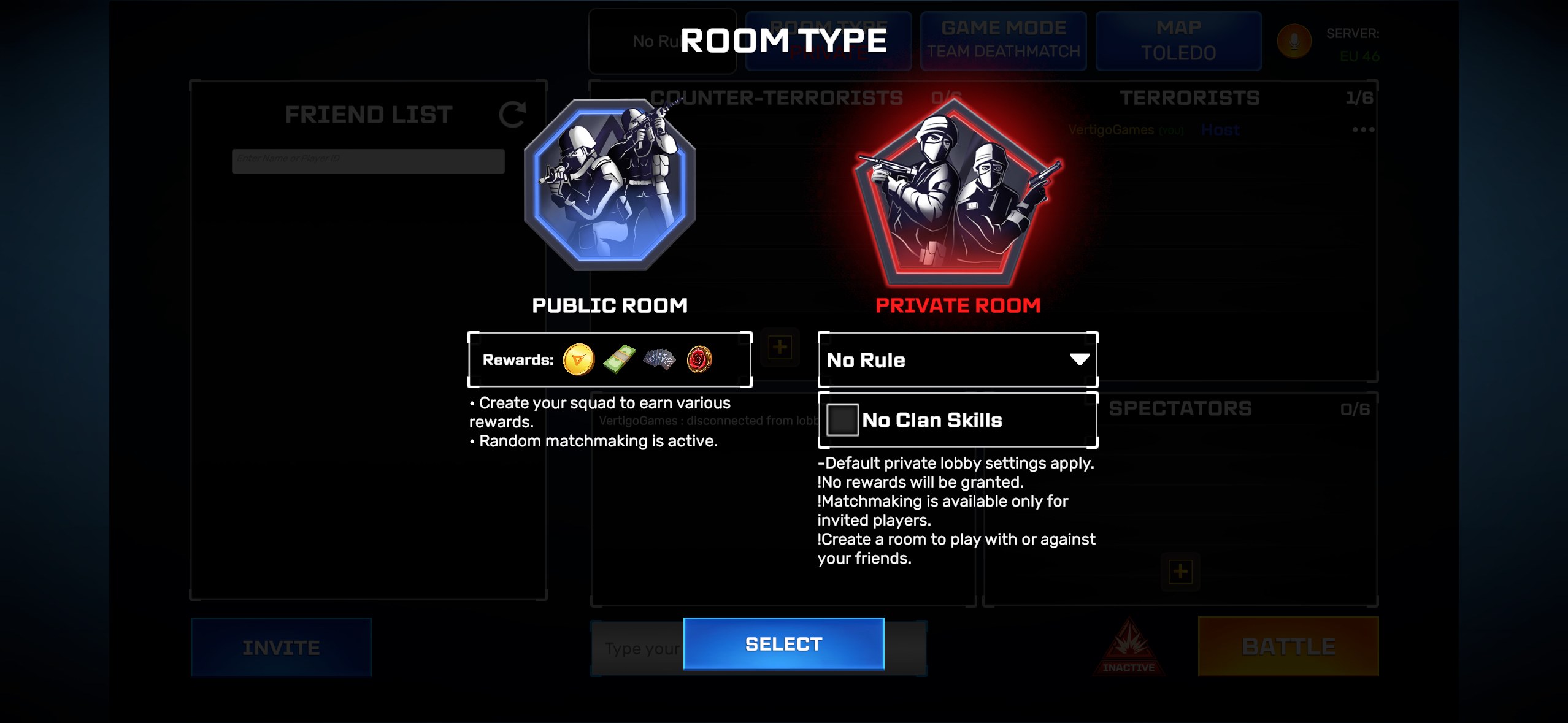
By default, you can create a private lobby with no weapon rules.
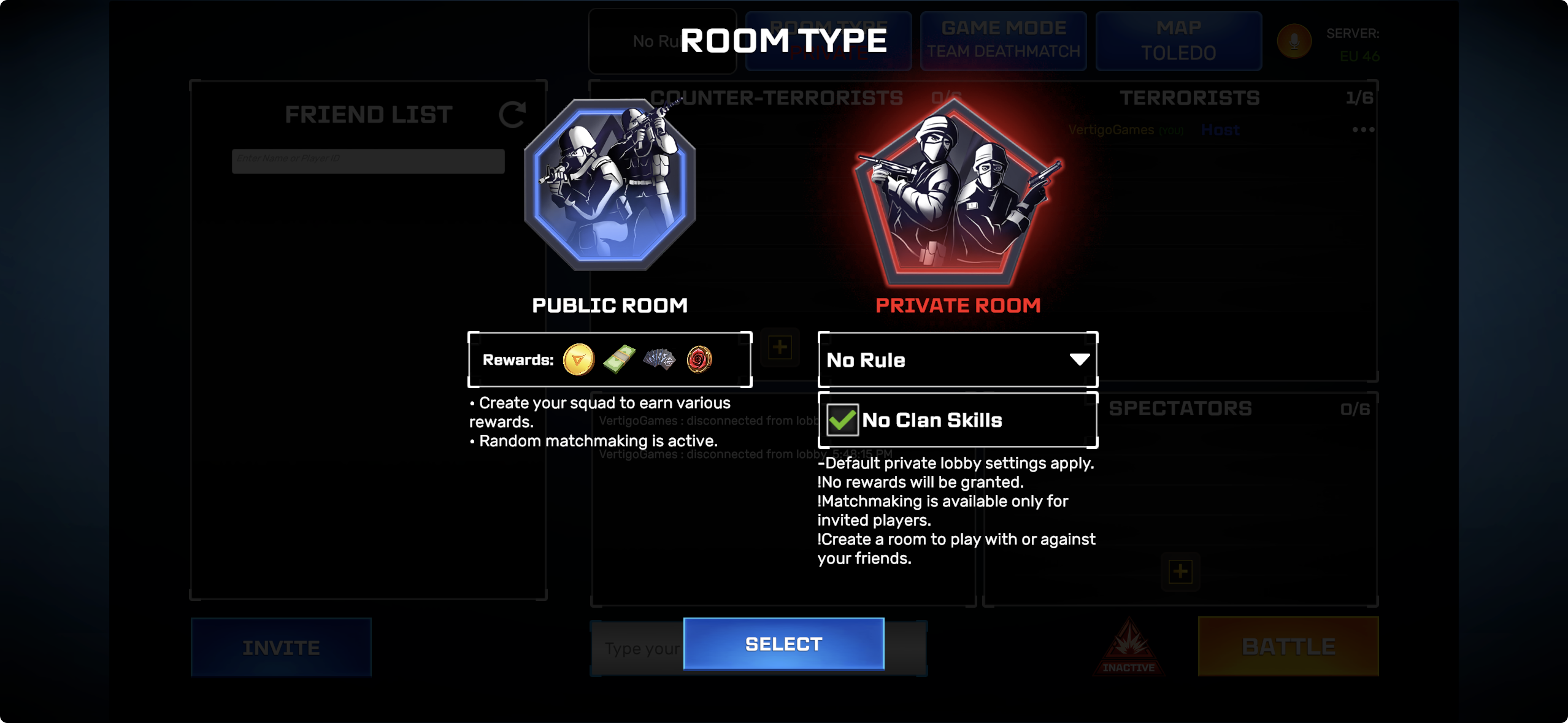
If you wish, you can activate “No Clan Skills” in this section, which will ensure that players joining the private room have their clan skills disabled for the duration of the match.
Now let’s talk about the custom private lobby rules you can set!
In these special rule modes, all players will use only the weapons specified during the room matches. (You can use these weapons in the private lobby even if they are not in your inventory.)
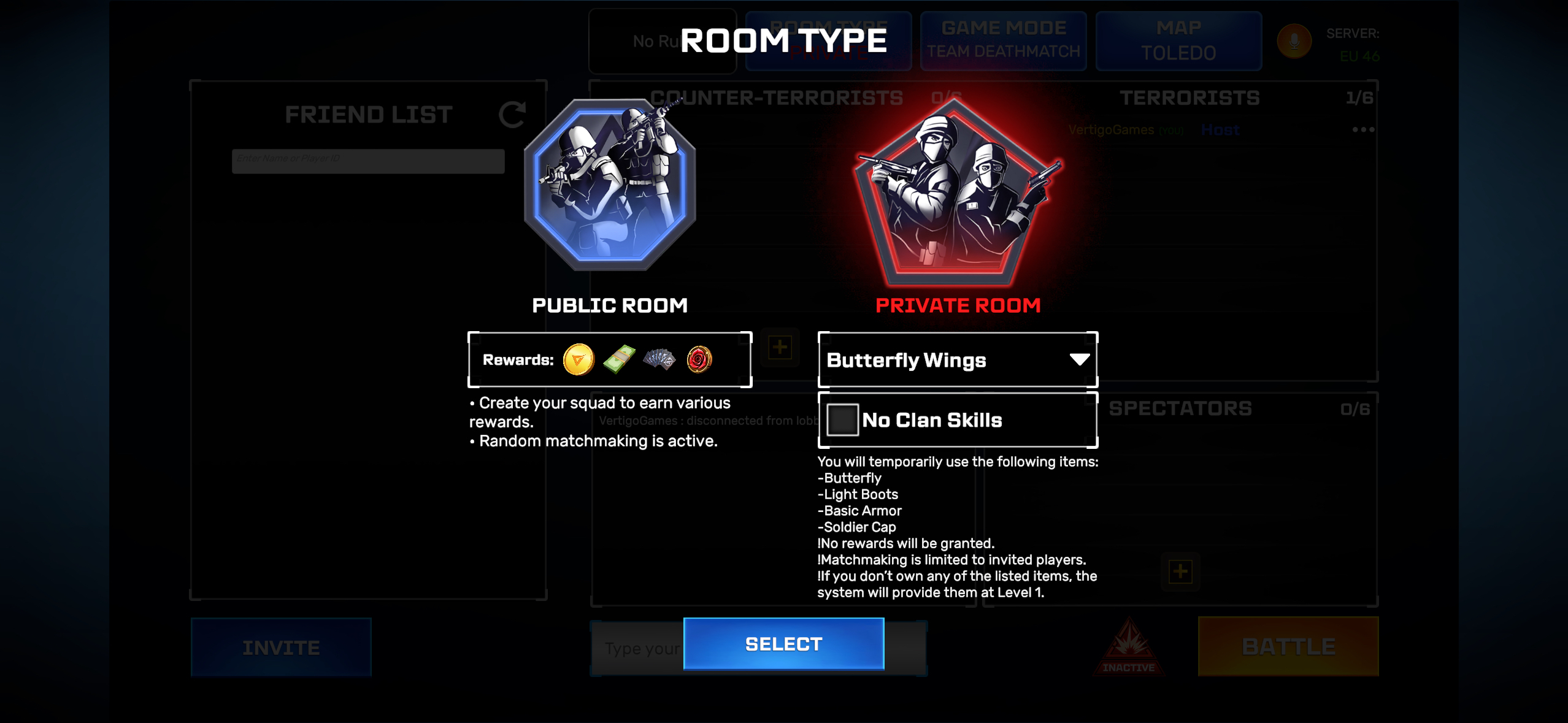
Buttferly Wings: You will temporarily use the following items:
- Butterfly
- Light Boots
- Basic Armor
- Soldier Cap
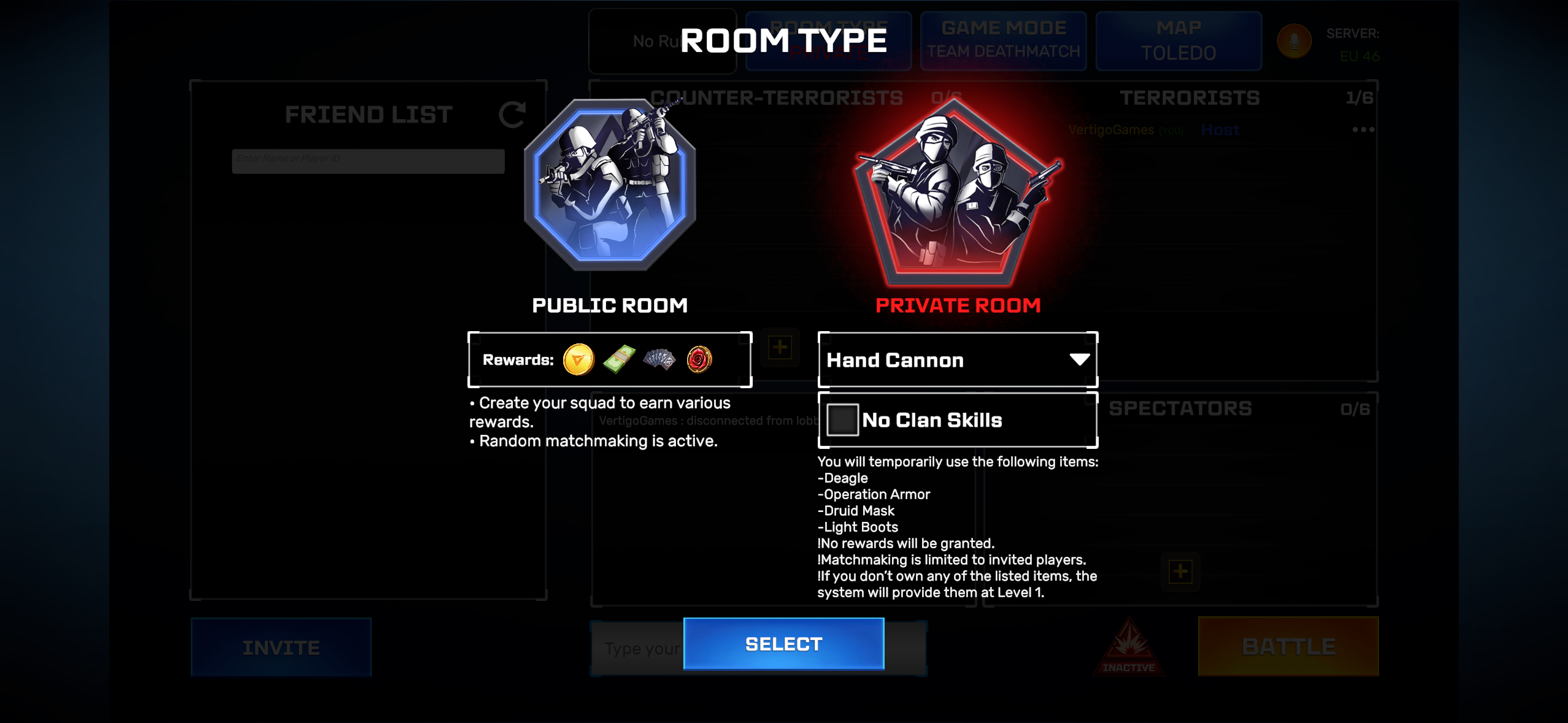
- Deagle
- Operation Armor
- Druid Mask
- Light Boots
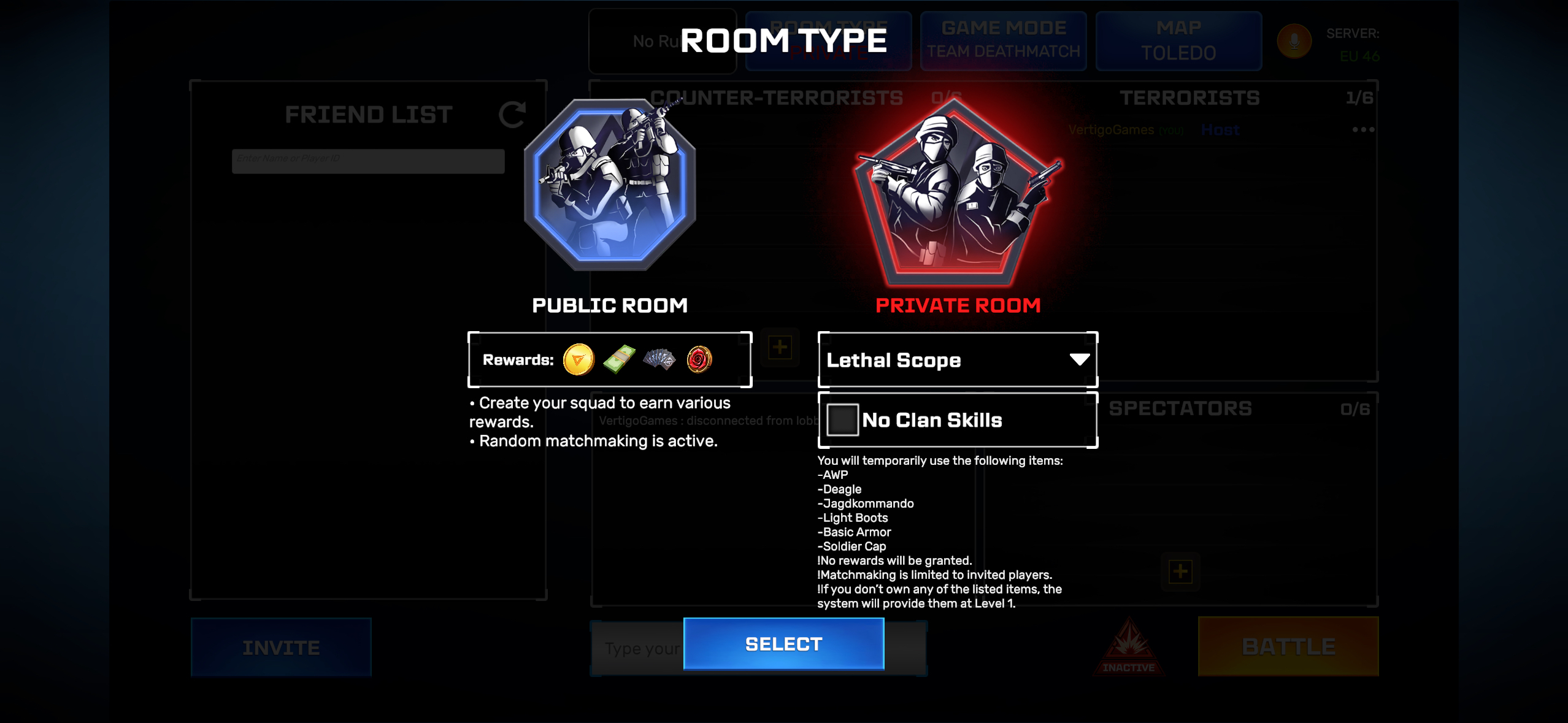
Lethal Scope: You will temporarily use the following items:
- AWP
- Deagle
- Jagdkommando
- Light Boots
- Basic Armor
- Soldier Cap
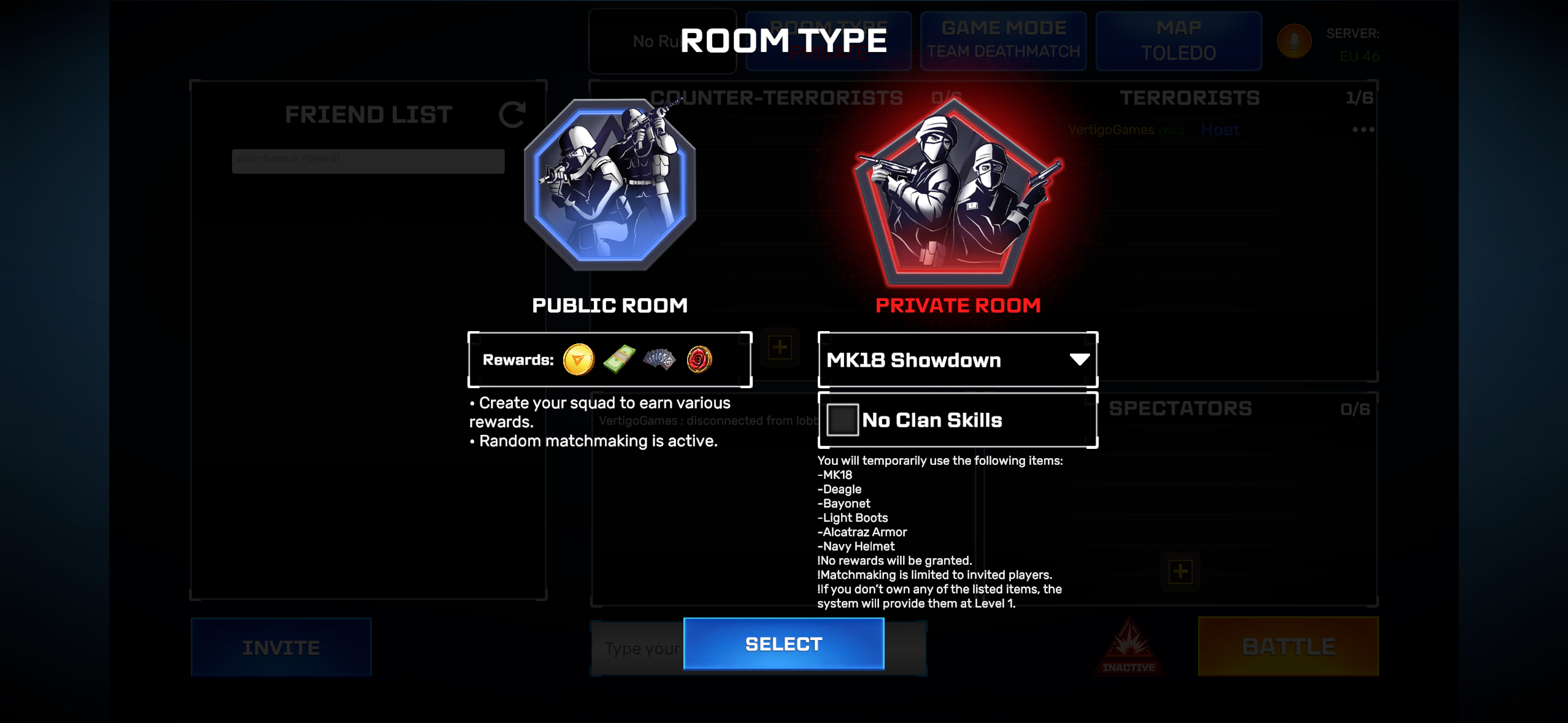
MK18 Showdown: You will temporarily use the following items:
- MK18
- Deagle
- Bayonet
- Light Boots
- Alcatraz Armor
- Navy Helmet
And you must remember that these rules apply to all private room matches;
- No rewards will be granted.
- Matchmaking is available only for invited players.
- If you don't own any of the listed items, the system will provide them at Level 1.
Great! Now you have created your own Private Room lobby.
What is the new Private Room?
In this room type, you will be only matched with invited players. There is not a general matchmaking system, no bots, no people that you are unfamiliar with but only your friends.
You can switch between the teams easily by tapping icon.
icon.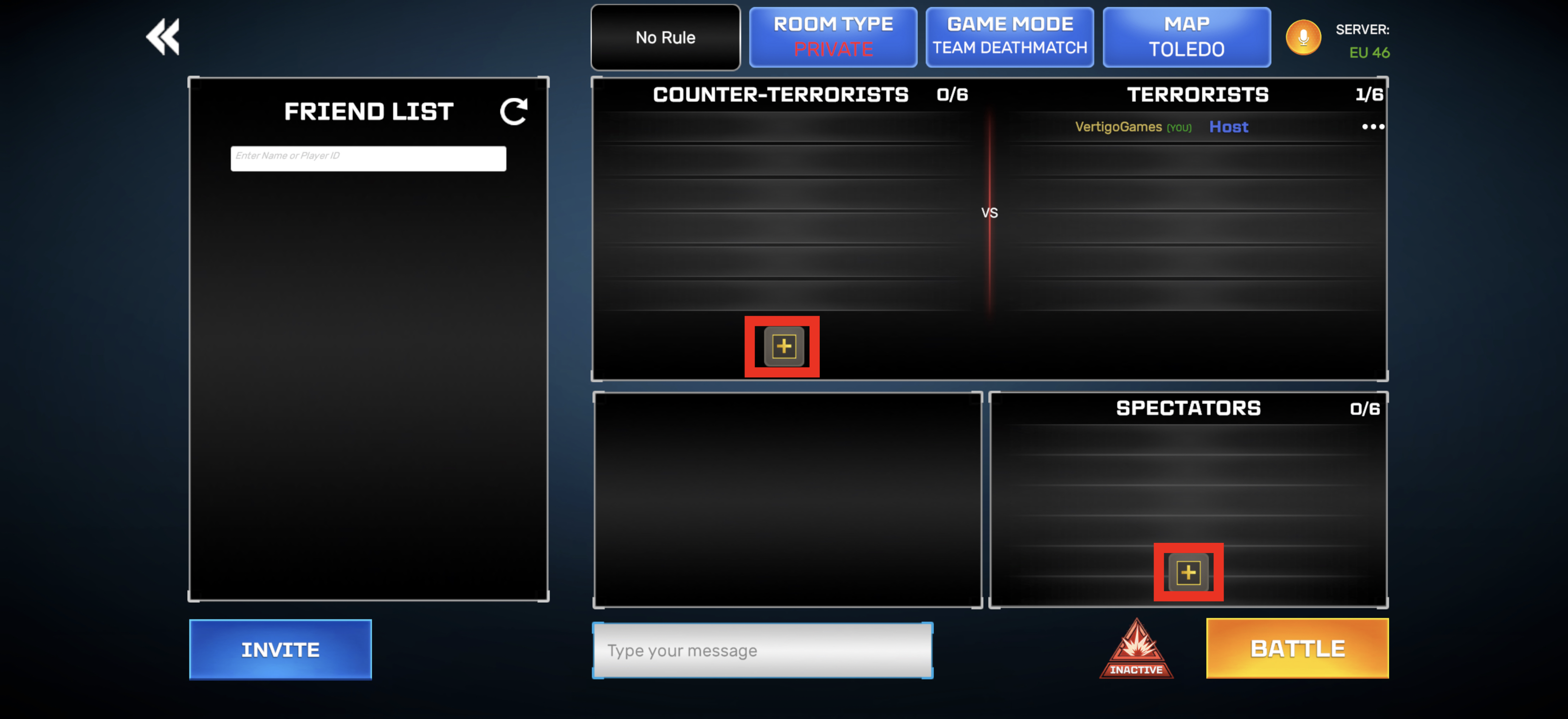
You can also adjust the maximum number of people by changing the game mode and map over top bar.
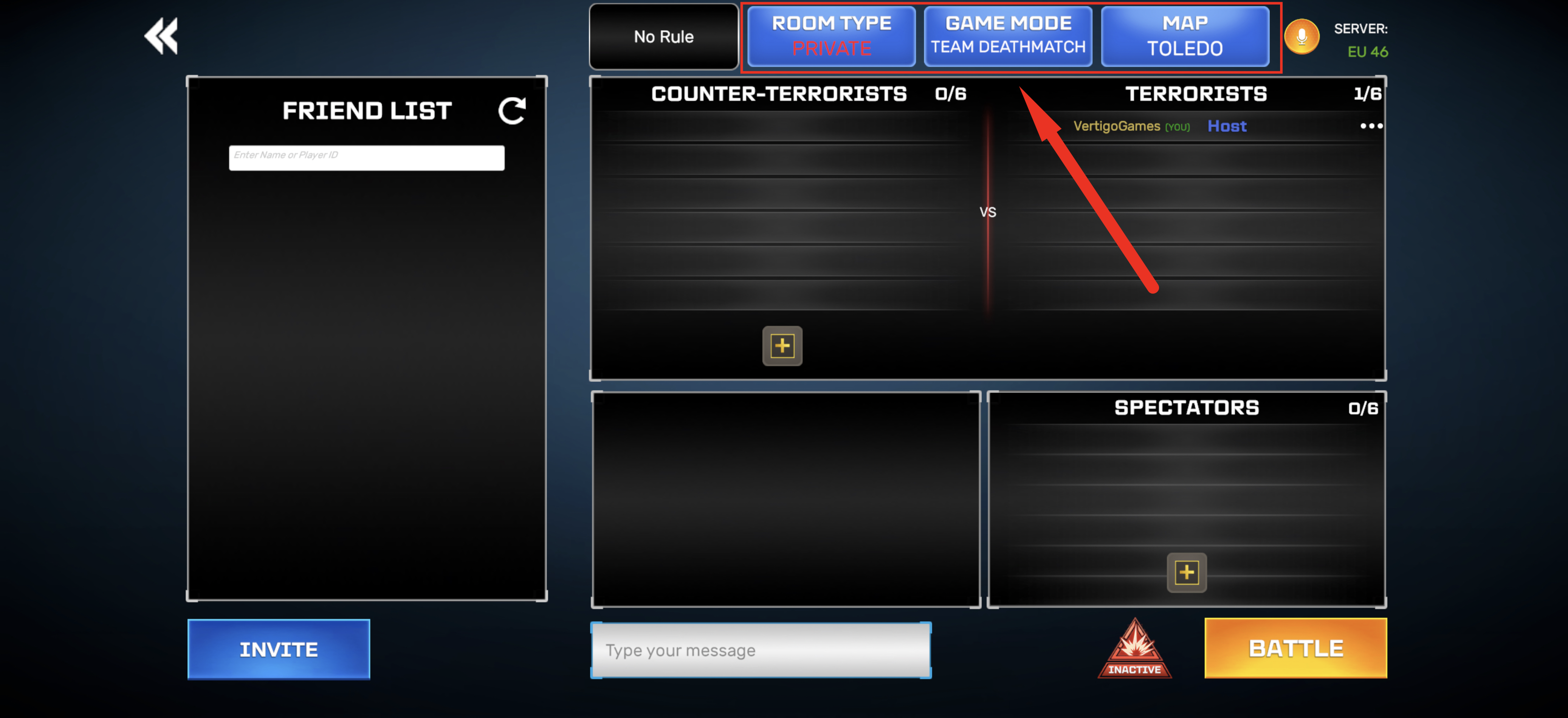
Once for all, remember that you will not earn any rewards nor progress after Private Room matches.